Video Downloader - Reel SaverFree for Android · by nalone
Save reels, videos and photos in a tap.
Copy a post link, open the app, and download reels, videos, photos and carousels in full quality. Get a quick AI summary of any video. No login needed.
Get it on Google Play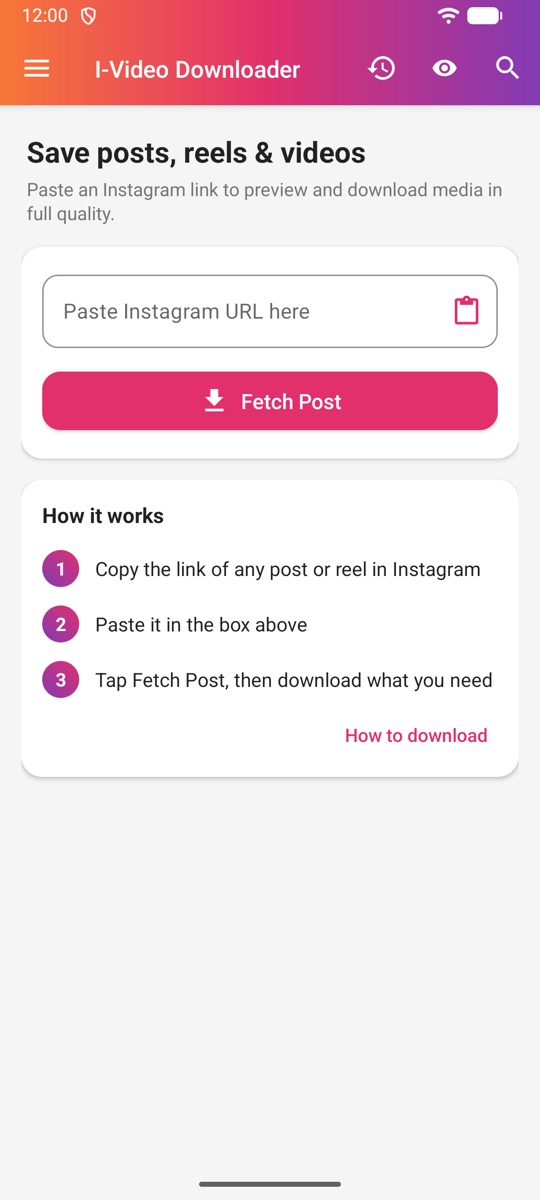
What it does
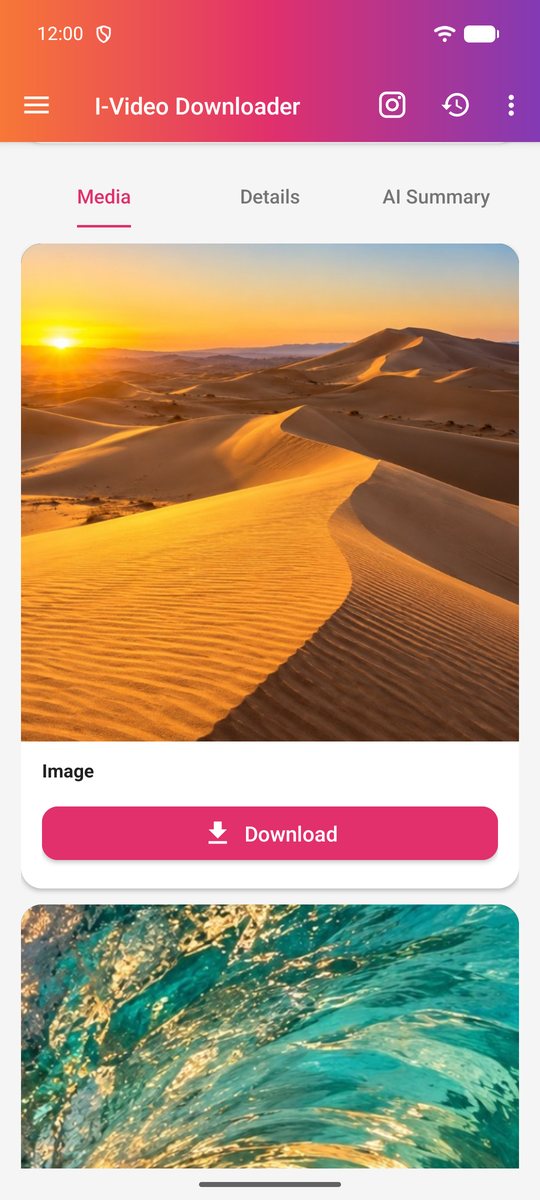
Reels, videos and photos
Download reels and videos in high quality, single photos, and every image in a carousel at once.
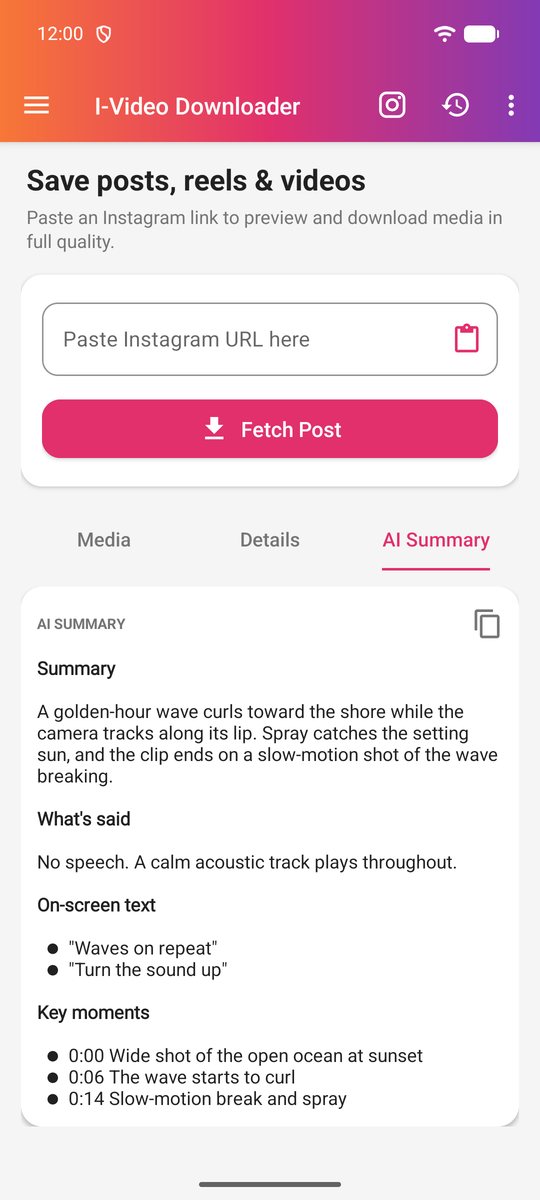
Summarize with AI
Get a short summary of what a video shows and says, including on-screen text, without rewatching it.
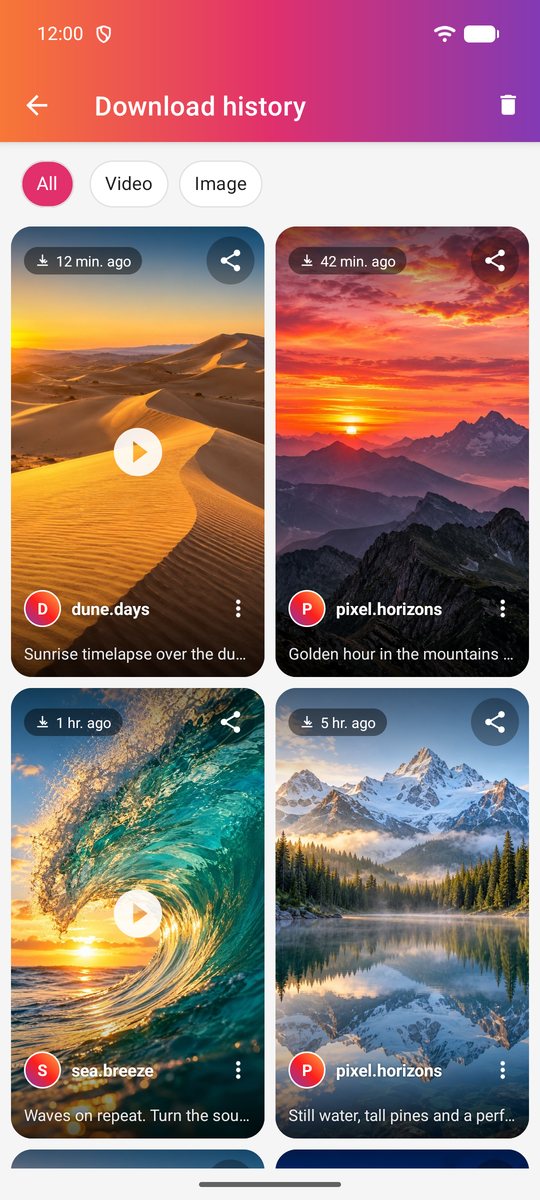
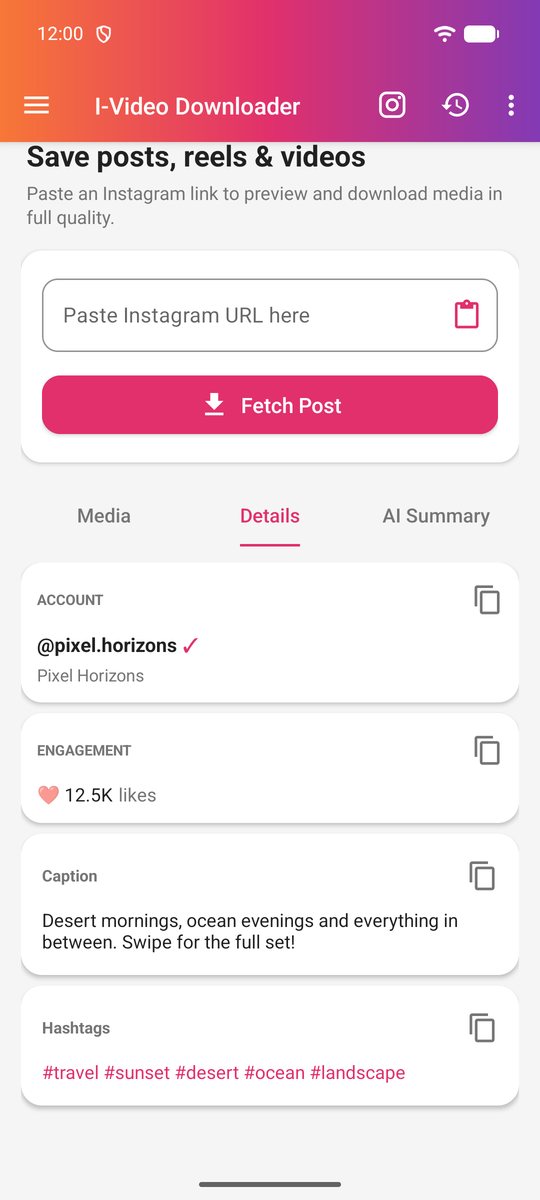
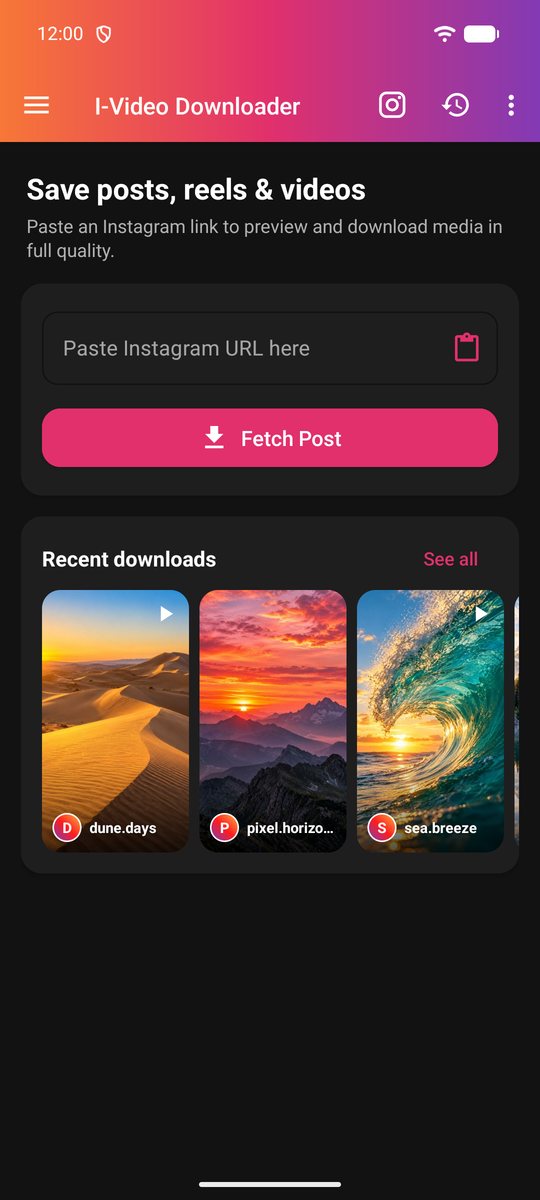
Download history
Find everything you've saved, with the username, caption and likes, and copy any detail with one tap.
Clipboard detection
Copied a link? The app picks it up automatically, or share a post straight to the app.
No login
No account and no Instagram password. Your downloads are saved on your phone.
13 languages
Available in English, Hindi, Bengali, Spanish, Portuguese, French, German, Russian, Arabic, Indonesian, Japanese, Korean and Chinese.
Screenshots
How to use it
- In Instagram, open the post or reel, tap Share or •••, then Copy link.
- Open the app. The link is pasted automatically, or paste it yourself.
- Tap Fetch Post, then Download to save it to your gallery.
- For videos, tap Summarize with AI on the AI Summary tab.